
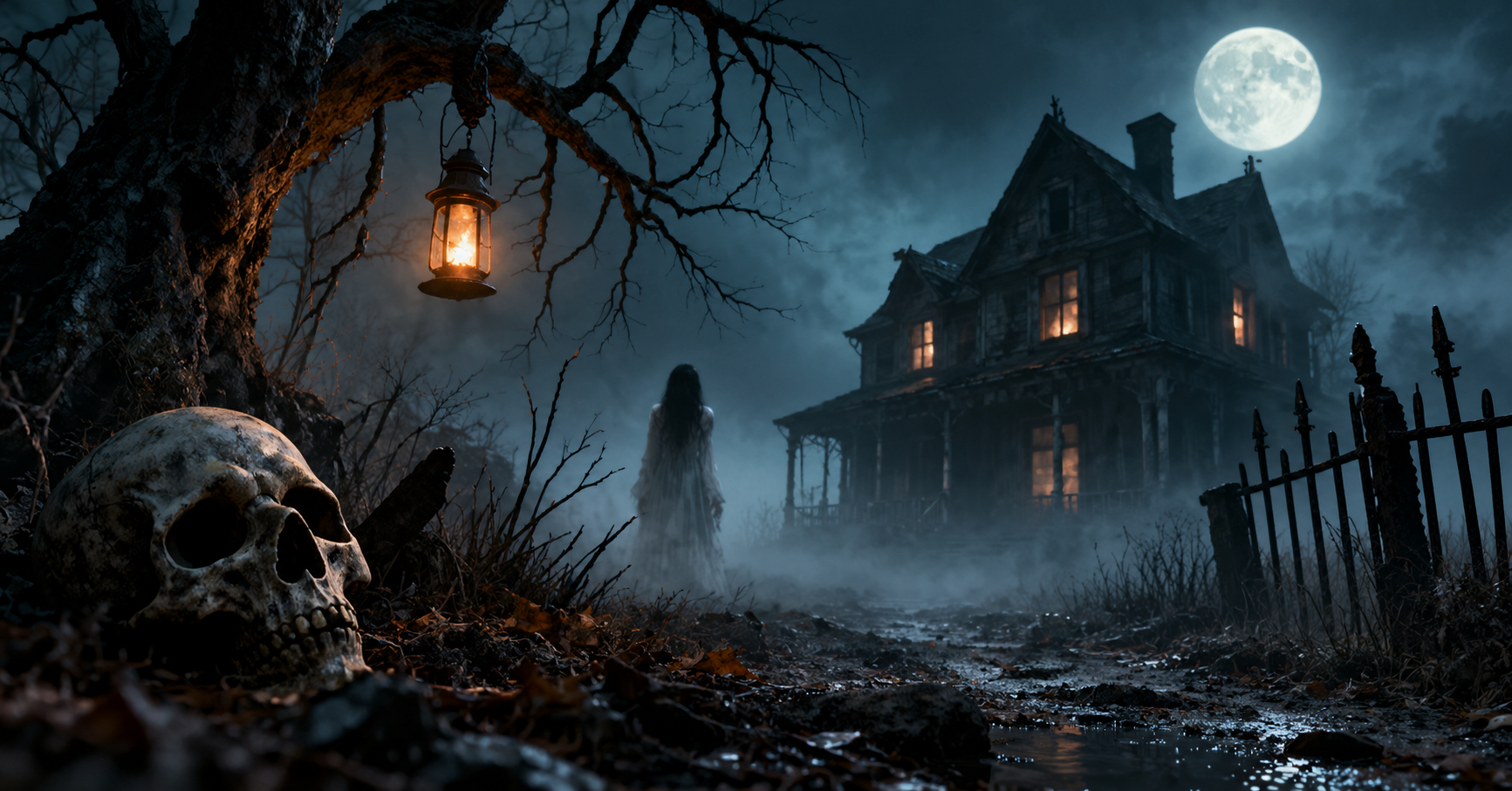

There’s a certain thrill in watching an AI image generator conjure something genuinely unsettling — a fog-choked hallway, a doll with too many teeth, a house that seems to be breathing. Horror is one of the most rewarding genres to explore with tools like Midjourney, DALL-E, and Stable Diffusion, because dread isn’t built from gore alone. It’s built from atmosphere: lighting, texture, silence, and the sense that something is wrong just outside the frame. If you want your AI-generated horror art to feel cinematic instead of cartoonish, the secret lies in how you write your prompts.
Why Atmosphere Matters More Than Shock Value
Many beginners assume horror prompts need blood, monsters, or jump-scare imagery to work. In reality, the most effective creepy visuals rely on suggestion rather than spectacle. A single flickering light in an empty corridor can feel far more disturbing than an overt monster reveal. When crafting prompts, think like a horror film cinematographer: what’s the mood, the temperature, the silence in the room? AI models respond strongly to descriptive, sensory language, so the more precisely you describe atmosphere, the more convincingly the model will render it.
Core Elements of a Strong Horror Prompt
A well-built horror prompt usually layers several ingredients together:
1. Setting and environment. Abandoned asylums, fog-covered forests, decaying Victorian mansions, flooded basements, and empty amusement parks are horror staples because they combine isolation with decay. Specify architectural details — peeling wallpaper, warped floorboards, broken windows — to ground the scene in tangible dread.
2. Lighting and color palette. Horror lives and dies by lighting. Words like “dim candlelight,” “sickly green glow,” “harsh moonlight through broken shutters,” or “flickering fluorescent tubes” instantly shift the tone. Desaturated colors, deep shadows, and a limited palette (grays, sickly greens, dried-blood reds) tend to read as more unsettling than vibrant scenes.
3. Composition and framing. Consider camera angle language borrowed from horror cinematography — “low angle shot,” “figure barely visible in the background,” “distorted wide-angle lens,” or “extreme close-up on trembling hands.” Negative space is your friend; an empty half of the frame implies something could be lurking there.
4. Texture and decay. Mold, rust, cobwebs, cracked porcelain, water stains, and rotting fabric add tactile horror. These details make a scene feel lived-in and abandoned rather than artificially staged.
5. A hint of the uncanny. The eeriest images often include something almost normal but slightly wrong — a smiling mannequin with human eyes, a staircase that doesn’t align, a shadow that doesn’t match its owner. This “almost-but-not-quite” quality is what separates unsettling art from generic horror clichés.
Sample Prompt Structures
Here are a few adaptable prompt templates you can customize for different AI generators:
- “A dimly lit Victorian nursery, dust floating in a single beam of moonlight, an antique rocking horse facing the wall, peeling floral wallpaper, unsettling stillness, cinematic horror atmosphere, muted color palette.”
- “Abandoned hospital corridor at night, flickering overhead lights, wheelchair overturned in the distance, long shadows stretching unnaturally, grainy film texture, dread-inducing composition.”
- “Foggy forest clearing at dusk, a scarecrow with a slightly human posture, crows perched silently on bare branches, cold blue-gray lighting, quiet menace, folk horror aesthetic.”
- “Close-up of an old porcelain doll with cracked skin-like glaze, one eye slightly askew, dust and cobwebs, warm attic light contrasting with cold shadows, subtle body horror undertone.”
Notice that none of these rely on explicit gore. They lean on mood, decay, and psychological unease — the qualities that make horror art memorable rather than merely graphic.
Tips for Refining Your Results
If your first attempt doesn’t land, try these adjustments:
- Add film references sparingly. Terms like “1970s horror film grain” or “analog horror aesthetic” can nudge the model toward a specific visual era without directly copying any single work.
- Use negative prompts wisely. In tools that support them (like Stable Diffusion), excluding terms such as “cartoonish,” “bright lighting,” or “cheerful” helps steer the output away from unwanted tones.
- Iterate on lighting first. If a scene feels flat, adjusting lighting descriptors often has a bigger impact than adding new objects.
- Layer in weather and sound-implying details. Even though AI images are silent, describing “distant dripping water” or “wind rattling loose shutters” helps the model infer an eerie environmental context that shows up visually.
A Note on Responsible Use
Horror art can be wonderfully evocative, but it’s worth being mindful about avoiding excessively graphic or disturbing content, especially if you plan to share your creations publicly. Many platforms have content guidelines around violent or gory imagery, so leaning into atmosphere and suggestion — rather than explicit violence — tends to produce results that are both more artistically interesting and more widely shareable.
Final Thoughts
The best horror prompts treat AI image generators like a set designer and cinematographer rolled into one. By focusing on environment, lighting, texture, and subtle wrongness rather than overt shock, you can create images that linger in the viewer’s mind long after they’ve looked away. Experiment with the templates above, tweak the details to match your creative vision, and don’t be afraid to iterate — sometimes the creepiest results come from small, unexpected adjustments to a single word.
Leave a Reply