
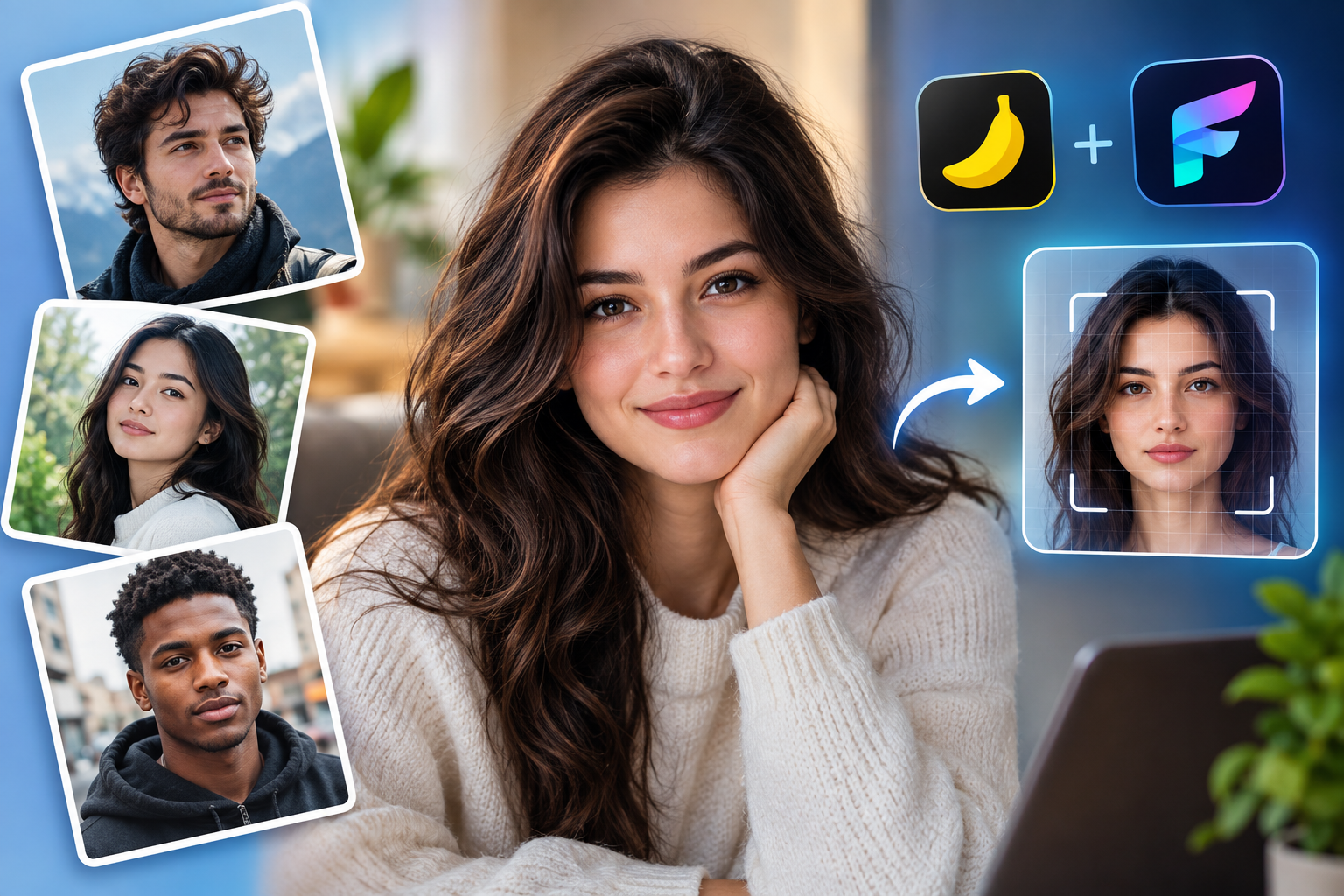

Getting an AI image generator to produce a face that looks genuinely human — not waxy, not over-smoothed, not uncannily perfect — is one of the trickiest challenges in prompt engineering. Two of the most capable tools for this right now are Nano Banana (Google’s image model inside Gemini) and Flux (Black Forest Labs’ image generation family). Both are known for strong skin texture, natural lighting, and realistic facial proportions when prompted correctly. This guide breaks down what makes a prompt “photorealistic,” shares ready-to-use prompt templates, and explains the small wording choices that separate a flat AI portrait from one that could pass as a real photograph.
Why Prompt Wording Matters So Much for Faces
Faces are the part of an image humans scrutinize most closely. Our brains are wired to detect even tiny irregularities — asymmetry, unnatural skin sheen, or eyes that don’t quite focus correctly. Because of this, vague prompts like “a photo of a woman” tend to produce generic, overly polished results. Both Nano Banana and Flux respond best to prompts that describe camera conditions, lighting, skin detail, and imperfections, because these are the cues real photographs naturally contain.
Core Elements of a Photorealistic Face Prompt
Before jumping into templates, it helps to understand the building blocks that consistently improve realism:
- Camera and lens details – Mentioning a specific camera type or lens (e.g., “shot on a 85mm portrait lens”) signals to the model that you want photographic depth of field and natural focus falloff, not an illustration.
- Lighting description – Soft window light, golden hour light, or diffused studio lighting all produce different skin rendering. Vague lighting terms often lead to flat, artificial-looking faces.
- Skin texture cues – Words like “visible pores,” “subtle skin texture,” or “natural imperfections” prevent the plastic-smooth look common in AI portraits.
- Micro-imperfections – Small asymmetries, a stray hair, slight redness, or uneven skin tone make a face feel unposed and real.
- Emotional authenticity – A neutral or slightly candid expression often reads as more realistic than an exaggerated smile.
- Negative prompting (Flux especially) – Explicitly excluding terms like “airbrushed,” “plastic skin,” “over-smoothed,” or “CGI” helps steer the model away from its default over-polished tendencies.
Nano Banana Prompt Templates for Realistic Faces
Nano Banana tends to respond well to descriptive, almost documentary-style prompts rather than heavily stylized keyword lists. Here are a few templates you can adapt:
Template 1 — Natural Portrait
“A close-up portrait of a middle-aged man with weathered skin, captured in natural daylight near a window. Soft shadows fall across his face, highlighting fine wrinkles and slight skin texture. Shot in a realistic photographic style with shallow depth of field, candid expression, not posed.”
Template 2 — Studio Realism
“Photorealistic headshot of a young woman with freckles and slightly uneven skin tone, lit by a single soft studio light from the left. Natural hair strands out of place, subtle catchlights in the eyes, shot on a full-frame camera with an 85mm lens, shallow depth of field.”
Template 3 — Outdoor Candid
“A realistic photo of an elderly woman laughing outdoors on an overcast day, soft diffused light, visible skin texture and fine lines, natural color grading, documentary photography style.”
Flux Prompt Templates for Realistic Faces
Flux tends to reward more technical, camera-specific language and benefits heavily from negative prompts.
Template 1 — Editorial Portrait
“Editorial-style portrait photograph of a man in his 30s, natural skin texture with visible pores, shot on Kodak Portra 400 film, soft window lighting, shallow depth of field, realistic imperfect skin, candid pose.”
Negative prompt: “airbrushed, plastic skin, waxy texture, CGI, illustration, over-smoothed, symmetrical perfection”
Template 2 — Golden Hour Realism
“A photorealistic close-up of a young woman during golden hour, warm natural light, slight sun flare, realistic skin texture with subtle blemishes, natural hair flyaways, shot with a DSLR camera, 50mm lens, f/1.8 aperture.”
Negative prompt: “smooth skin, digital art, painting, unrealistic lighting, glossy skin”
Template 3 — Documentary Style
“Documentary-style photograph of an elderly man with deep wrinkles and weathered skin, natural cloudy daylight, muted color palette, authentic candid expression, shot on 35mm film.”
Negative prompt: “retouched, beauty filter, plastic, symmetrical face, artificial lighting”
Common Mistakes That Break Realism
Even strong prompts can fail if a few pitfalls aren’t avoided:
- Overusing beauty-related adjectives like “flawless” or “perfect skin,” which push the model toward an artificial look.
- Skipping lighting descriptions, leaving the model to default to flat, even lighting that reads as synthetic.
- Ignoring aspect ratio and composition, which affects how natural the framing feels.
- Not iterating — photorealism often requires generating multiple variations and adjusting wording slightly rather than expecting a perfect result on the first try.
Tips for Refining Results
If your first output looks close but not quite right, try adjusting one variable at a time: swap the lighting description, change the implied camera/lens, or add a single imperfection detail. Small wording changes often have an outsized effect on skin rendering and facial authenticity. It also helps to reference real photographic genres — editorial, documentary, or candid street photography — since these carry strong stylistic associations the models can draw from.
Final Thoughts
Both Nano Banana and Flux are capable of producing strikingly realistic human faces, but the difference between a mediocre result and a convincing one almost always comes down to prompt specificity. Describing lighting, camera conditions, and natural imperfections gives these models the contextual cues they need to move away from their default “airbrushed” tendencies. Whether you’re creating portraits for creative projects, marketing visuals, or personal experimentation, the templates above offer a strong starting point — and a bit of iterative tweaking will get you the rest of the way to photorealism.
Leave a Reply